1. Open the alpha
Use “Play the alpha” to open the game. If the first load takes time, leave the page open while the resources download. If it fails, check your connection and reload once before reporting the problem.

 YOUR FIRST STEPS IN CORALS
New seas. A simple start.
Your first visit to a pirate MMO should feel like an adventure. Here is how to enter the Corals alpha, prepare your character and find your bearings in Argent.
BEFORE YOU ENTER
You do not need to know another MMO to try Corals. Use a modern browser and a stable internet connection, then open the game. The first visit loads the world’s resources, so give it time to finish. There is no separate game client to install.
Use “Play the alpha” to open the game. If the first load takes time, leave the page open while the resources download. If it fails, check your connection and reload once before reporting the problem.
Follow the game’s account screen to create an account or sign in. Joining the alpha mailing list does not create a game account. Accounts from Tales of Pirates or Pirate King Online do not transfer.
Discover Lance, Carsise, Phyllis and Ami. Take a look at the character and class information in the wiki before deciding. Not every character follows the same class path.
ONCE IN ARGENT
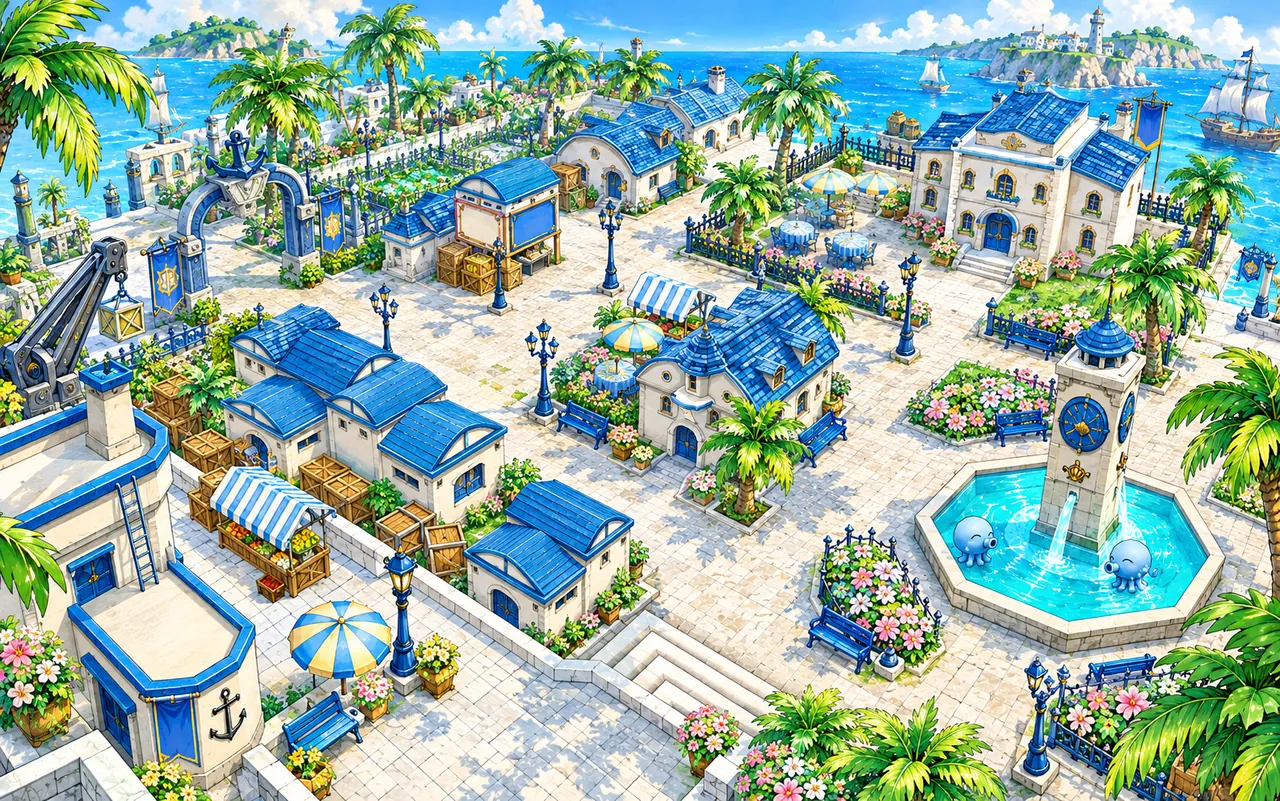
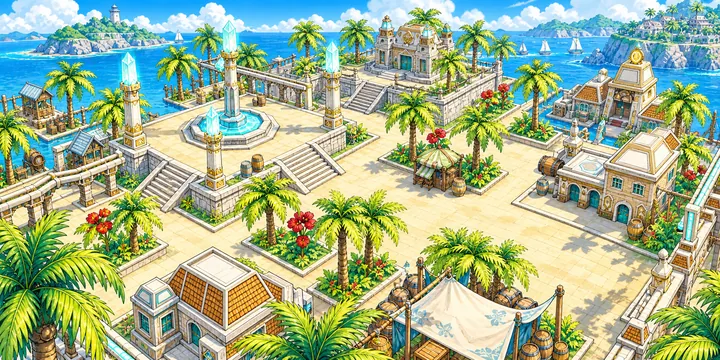
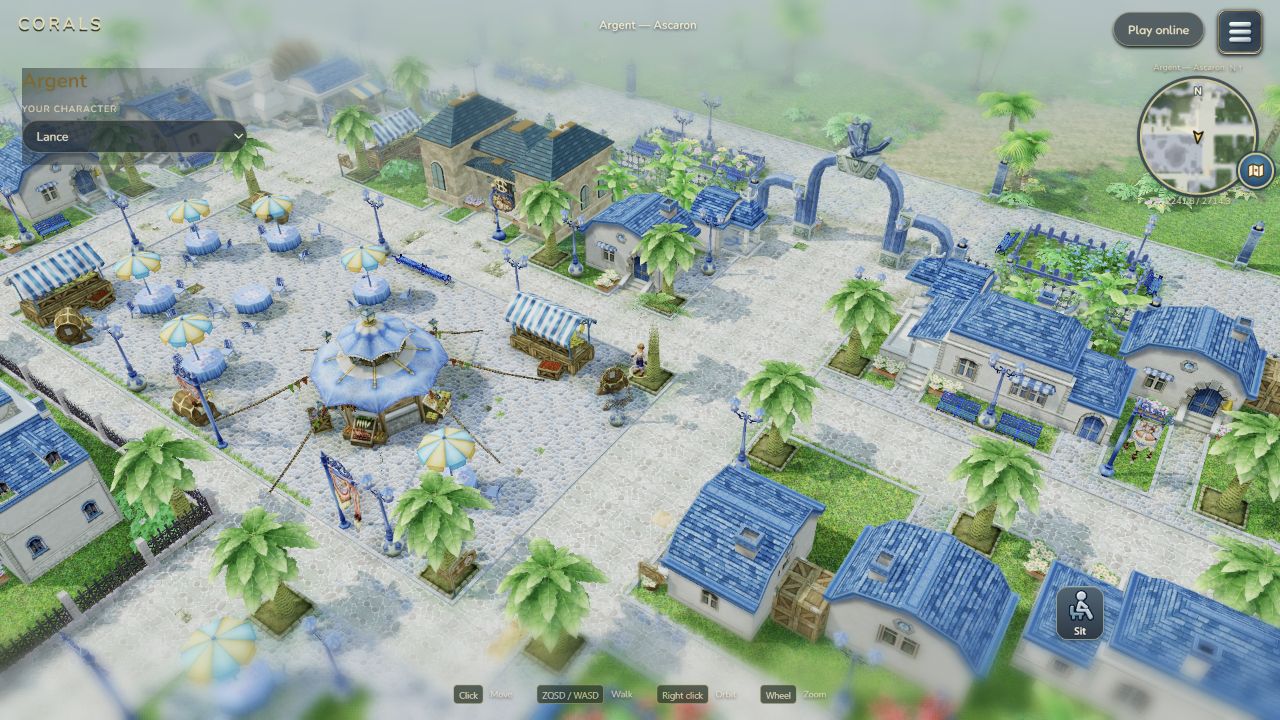
Start by looking around the town and getting familiar with the interface. Read the information shown by the game before committing to a class or an equipment choice. The alpha is still evolving: if a guide and the current game differ, describe the difference when you send feedback.
No. You can start with Corals. Take time to explore the interface and use the wiki when you encounter an unfamiliar term or character class.
No. The mailing list is for development news and alpha updates. Create or use your game account from the game’s account screen.
Start with the character and class descriptions. Lance, Carsise, Phyllis and Ami do not all follow the same class paths, so check the wiki before choosing rather than assuming any hero can become any class.
Playing in a browser avoids a separate client installation, but the browser still needs to download models, textures and other game files. Loading time depends on your connection and device.
Corals is an open alpha. Describe the steps that led to the problem, the location and your browser or device when sharing feedback with the community. Never include your password or private account links.
Open the alpha, meet your character and discover Argent at your own pace.